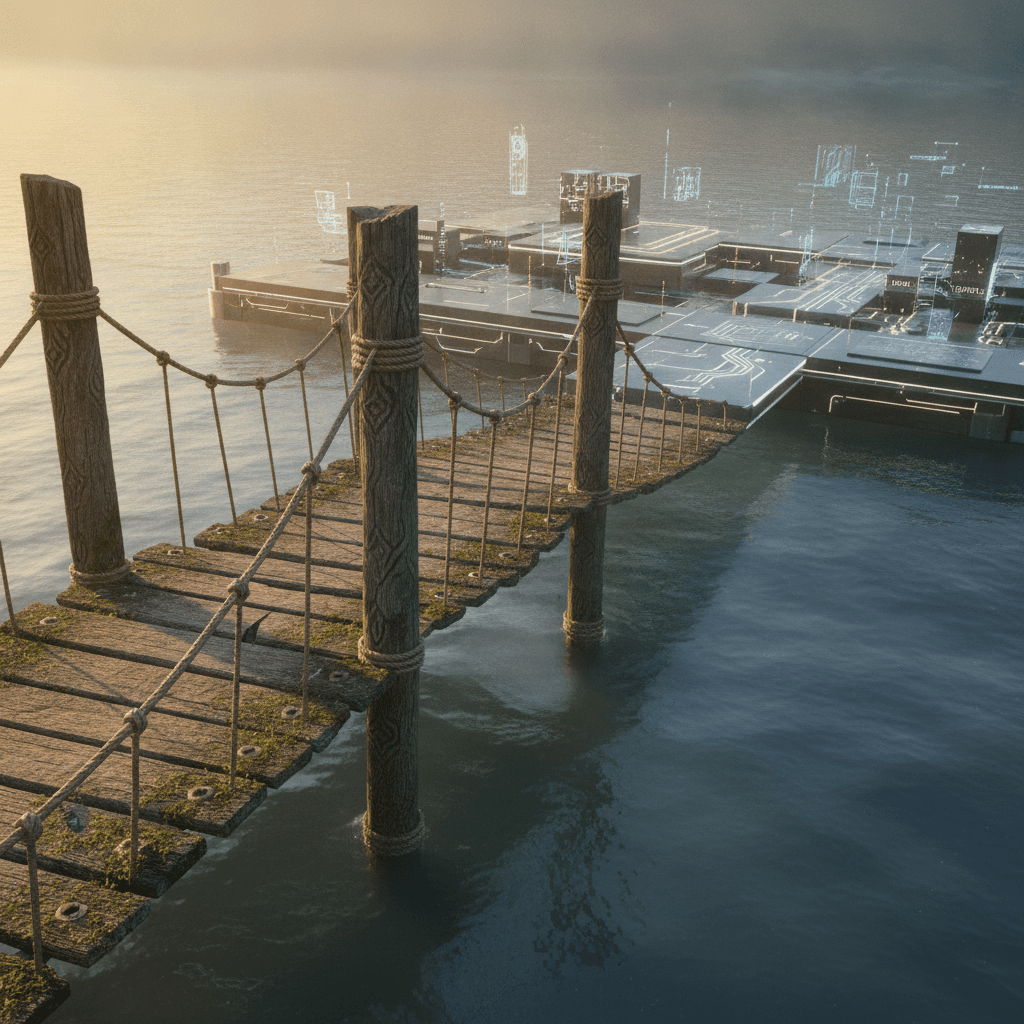
In the dynamic world of web design and development, no-code platforms have democratized website creation, empowering countless designers and entrepreneurs to bring their visions to life without deep technical expertise. These tools offer speed, ease of use, and a lower barrier to entry, making them ideal for rapid prototyping, launching MVPs, and managing straightforward online presences. However, as projects grow in complexity, traffic scales, or specific functionalities become critical, many find themselves bumping against the inherent limitations of their chosen site builder.
Recognizing this 'tipping point' is the first step towards strategic growth. This guide is for those contemplating a move – not necessarily to a full-code environment, but to a more powerful or specialized no-code solution that aligns better with evolving demands. We'll explore how to assess your current situation, identify your needs, and prepare for a smoother transition to a platform that truly supports your project's next phase.
The Tipping Point: Why Consider an Exit?
The decision to move away from a familiar site builder is rarely made lightly. It often stems from a combination of factors indicating that the current platform, while once sufficient, is now hindering progress rather than facilitating it. This isn't a critique of no-code tools themselves, but an acknowledgment that different tools serve different stages of a project's lifecycle. Understanding these catalysts is crucial for making an informed decision about your next steps.
Common triggers include a need for greater design flexibility and customization beyond what templates offer, performance bottlenecks as your site attracts more users, or the inability to integrate with essential third-party services. Cost efficiencies can also play a role; while initial no-code platforms often seem affordable, scaling up or adding premium features can sometimes lead to an unexpected increase in expenses, making a more robust solution a potentially better long-term investment.
Understanding Your Current Platform's Limits
Before looking forward, take a critical inventory of your current platform's shortcomings. Be specific about what isn't working. Is it the inability to implement custom animations? Are you struggling with SEO optimization controls? Is data management becoming unwieldy? A clear-eyed view of these pain points will help you articulate what you truly need from a new solution.
- **Customization Depth:** Are you constantly fighting with templates or needing unique visual elements that aren't supported?
- **Performance & Scalability:** Is your site loading slowly under increased traffic, or are you concerned about future growth?
- **Integration Capabilities:** Can you connect seamlessly with necessary marketing, CRM, or e-commerce tools?
- **Data Ownership & Portability:** How easy is it to export your content and user data if you decide to move?
- **Advanced Functionality:** Do you need custom logic, database queries, or user authentication features not natively available?
- **Cost-Effectiveness at Scale:** Are the subscription fees and add-ons becoming disproportionately expensive for the value received?
Defining Your Future Needs
Once you've identified the gaps, it's time to envision your ideal future state. This involves more than just fixing current problems; it's about anticipating growth and defining what success looks like for your project in the next 1-3 years. Think about your core business objectives, user experience goals, and operational workflows. What kind of website do you aspire to build, and what functionalities are non-negotiable?
Beyond features, consider the support ecosystem. Do you prefer a platform with extensive documentation, an active community forum, or dedicated customer service? What's your budget for a new platform, including potential migration costs and learning curves? A comprehensive understanding of these needs will serve as your blueprint for evaluating alternatives, ensuring you don't jump from one set of limitations to another.
Evaluating New No-Code Horizons
The no-code landscape is vast and continually evolving. Moving beyond a basic site builder doesn't necessarily mean embracing code; it often means stepping into more advanced no-code tools that offer greater power, flexibility, and scalability. Platforms like Webflow, Framer, and others provide a more design-centric approach with deeper control over structure and style, while tools like Bubble or Adalo excel in building complex web applications with custom logic and databases.
When exploring new options, perform thorough due diligence. Look for platforms that directly address the limitations you identified earlier. Test their interfaces, review case studies of similar projects, and ideally, build a small proof-of-concept to understand the workflow. Pay attention to their ecosystem – available integrations, community support, and the longevity of the platform itself. A platform that can grow with you is a valuable asset.
The Migration Mindset: Planning Your Transition
A site builder exit is a migration, and like any migration, it requires careful planning to minimize disruption. This isn't just about moving content; it's about preserving SEO rankings, maintaining user experience, and ensuring business continuity. Start by creating a detailed migration plan that outlines every step, from content export to DNS updates.
Prioritize content: What needs to move first? How will you handle redirects for old URLs to prevent broken links and preserve SEO value? Consider staging environments to build and test your new site without impacting the live version. Communication is also key, especially if your team or clients rely on the website; keep them informed throughout the process to manage expectations. A phased approach, if possible, can also reduce risk.
Post-Migration: Optimizing and Evolving
Your work doesn't end once the new site is live. The period immediately following a migration is crucial for optimization and ensuring everything functions as intended. Monitor your site's performance, traffic, and user behavior closely. Are there any unexpected errors? Is the new platform delivering the performance improvements you sought? Gather feedback from users and stakeholders to identify areas for refinement.
Embrace the capabilities of your new platform. Take advantage of its advanced features, explore new integrations, and continuously optimize your site for speed, user experience, and conversion. This transition isn't just about moving; it's an opportunity to rebuild smarter, leveraging a platform that empowers your project to thrive and adapt to future demands in the ever-changing digital landscape.
Sources & Further Reading
- Move a site with URL changes — Google Search Central
- Moving WordPress — WordPress.org
- Fast load times — web.dev
- Web hosting — Wikipedia