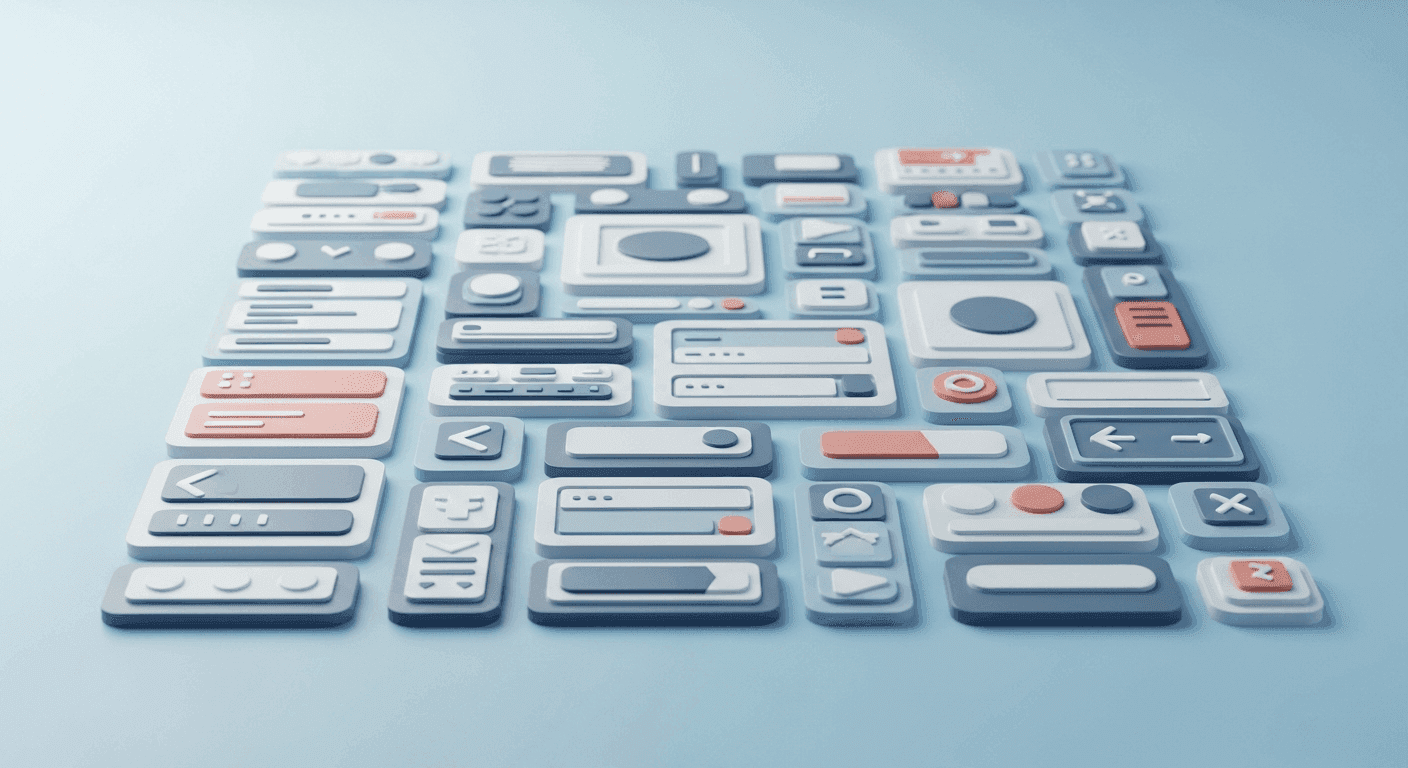
In the fast-paced world of web design and development, delivering high-quality client projects efficiently is paramount. Whether you're a seasoned freelancer or part of a growing agency, the pressure to meet deadlines while maintaining excellence is constant. One of the most effective strategies to achieve this balance, and often overlooked in its full potential, is the standardization of User Interface (UI) elements.
Standardizing UI elements isn't just about making things look consistent; it's a strategic approach that streamlines your entire workflow, from initial design concepts to final development and ongoing maintenance. By establishing a reusable library of components, you can significantly reduce repetitive tasks, minimize errors, and ensure a cohesive user experience across all your client deliverables. This article will explore the 'why' and 'how' of UI standardization, providing practical insights for designers and developers looking to optimize their project delivery process.
The Core Concept: What is UI Standardization?
UI standardization involves creating a consistent set of rules, principles, and reusable components that define the visual and interactive aspects of a user interface. Think of it as building a comprehensive toolkit for your design and development work. This toolkit typically includes elements like typography scales, color palettes, spacing guidelines, and pre-designed components such as buttons, form fields, navigation bars, and cards.
At its heart, standardization aims to eliminate guesswork and foster predictability. Instead of reinventing the wheel for every new project or even every new page within a project, you draw from a well-defined library. This approach ensures that every part of the interface adheres to a unified aesthetic and functional standard, leading to a more polished and professional final product that feels intuitive to the user.
Tangible Benefits for Accelerating Project Deliveries
The immediate impact of UI standardization is felt directly in project timelines and overall efficiency. When designers and developers operate from a shared source of truth, communication gaps shrink, and production speeds up dramatically. This isn't merely about saving time; it's about reallocating valuable resources from repetitive tasks to more complex problem-solving and creative endeavors.
Beyond speed, standardization significantly enhances the quality and consistency of your client projects. It minimizes the likelihood of visual discrepancies or functional inconsistencies that can arise when multiple team members work on a project or when a project spans a longer duration. The advantages are clear:
- Accelerated Design & Development: Reusable components mean less time spent on recreating elements from scratch.
- Improved Consistency: Ensures a unified look and feel across all pages and features, enhancing user experience.
- Reduced Errors & Bugs: Standardized components are often pre-tested and robust, leading to fewer UI-related issues.
- Easier Maintenance & Scalability: Updates or new features can be integrated more smoothly when based on existing standards.
- Streamlined Client Handoff: Provides clear documentation and a predictable structure for future client adjustments or developer onboarding.
- Enhanced Team Collaboration: Fosters a common language and asset library for all team members involved.
Key UI Elements to Focus On for Standardization
To effectively standardize, it’s crucial to identify the most frequently used and impactful UI elements. These are the building blocks that appear repeatedly across almost any website or application. Starting with these core elements will yield the most significant returns on your standardization efforts.
Consider establishing guidelines and creating components for the following: Typography, Color Palettes, Spacing, Buttons, Form Fields, Navigation Components, and Cards and Modals. Defining these core elements consistently will lay a strong foundation for a scalable and efficient design system.
Integrating Standardization into Your Workflow
Implementing UI standardization doesn't require a complete overhaul overnight. It's an iterative process that can begin with small steps and grow organically. The key is to integrate the practice into your existing design and development workflows.
For designers, tools like Figma, Sketch, or Adobe XD offer powerful features for creating and managing component libraries, style guides, and design systems. Leverage features like 'components,' 'variants,' and 'styles' to build a reusable asset collection. For developers, CSS frameworks (like Tailwind CSS or Bootstrap), pre-processors (Sass/Less), and component libraries (like React components or Vue components) are invaluable. Establishing utility classes for common styles (e.g., margin-bottom-sm, text-center) can also significantly speed up development.
Start by documenting your existing patterns, then refine and formalize them. As you work on new projects, actively identify opportunities to create new standard components or improve existing ones. Regular reviews and updates to your standardized library ensure it remains relevant and effective for your evolving needs.
Communicating the Value to Your Clients
While the benefits to your workflow are clear, it's equally important to articulate the value of UI standardization to your clients. This isn't just an internal efficiency measure; it directly impacts their project's long-term success and return on investment.
Explain to clients that standardization leads to faster project completion, reducing overall hours and getting them to market sooner. Emphasize improved user experience through consistency, which can lead to higher engagement and satisfaction. Crucially, highlight the future-proofing aspect: a standardized UI is easier to maintain, update, and scale, saving them potential costs and headaches down the line. Frame it as a strategic investment in the quality, longevity, and adaptability of their digital product.
Maintaining and Evolving Your Standardized System
A standardized UI system is not a static artifact; it's a living entity that requires ongoing care and evolution. As design trends shift, new technologies emerge, or client needs evolve, your standards will need to adapt. Regular maintenance ensures that your system remains a valuable asset rather than becoming an outdated constraint.
Schedule periodic reviews of your component library and style guide. Gather feedback from both designers and developers on what's working well and what needs improvement. Document any changes thoroughly and communicate updates to your team. By fostering a culture of continuous improvement around your UI standards, you ensure they remain sharp, efficient, and capable of supporting all your future client projects with speed and excellence.
Sources & Further Reading
- Design Systems 101 — Nielsen Norman Group
- Consistency in UI Design — Interaction Design Foundation
- Web Components — MDN Web Docs
- Usability 101: Introduction to Usability — Nielsen Norman Group