In the world of web design and development, a smooth, responsive user interface isn't just a nice-to-have; it's a fundamental expectation. Users demand slick transitions, fluid scrolling, and animations that feel natural and immediate. Yet, achieving this can be a constant battle, especially when dealing with complex animations or heavy computational tasks that seem to bring your beautiful UI to a grinding halt, resulting in frustrating 'jank' and a poor user experience.
The culprit behind these performance woes often lies in JavaScript's single-threaded nature, where all UI updates, event handling, and script execution happen on one 'main thread.' When this thread gets bogged down by intensive calculations, it simply can't keep up with rendering animations at 60 frames per second. But what if you could offload those heavy tasks to a separate, dedicated thread, freeing up your UI to sing? Enter Web Workers – a powerful browser API that provides precisely this capability, enabling you to build truly performant and delightful animated experiences.
The Janky UI Problem: Why Animations Stutter and Freeze
To understand why Web Workers are so revolutionary for animations, we first need to grasp the limitations of the traditional browser environment. Modern web browsers run JavaScript on a single thread, often referred to as the 'main thread.' This thread is a busy place; it's responsible for everything from parsing HTML, applying CSS styles, and laying out the page, to handling user input (clicks, scrolls, key presses), executing all your JavaScript code, and ultimately, rendering every single frame of your animations.
When your JavaScript code performs a computationally intensive task – perhaps complex physics calculations for a particle system, heavy data processing for a dynamic chart, or even just a long loop – it monopolizes the main thread. While this task is running, the browser cannot update the UI, process user input, or repaint the screen. The result? Your animations freeze, frames are dropped, and the entire interface becomes unresponsive, leading to that dreaded 'jank' that signals a poor user experience. It's like a single chef trying to cook a five-course meal, answer the phone, and greet customers all at once – something's bound to get burnt.
Web Workers to the Rescue: A Dedicated Thread for Heavy Lifting
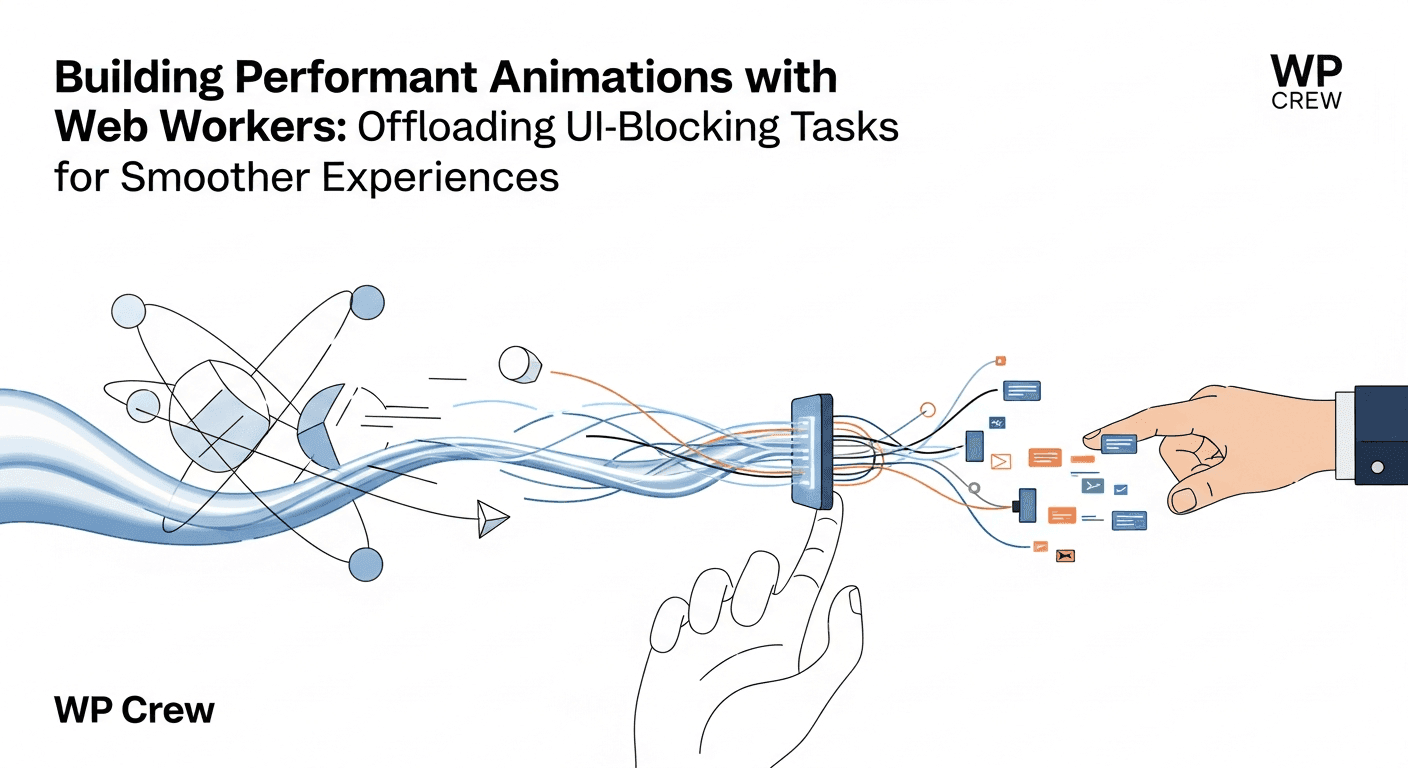
Web Workers offer a solution to this problem by allowing you to run scripts in the background, entirely separate from the main thread. Think of them as miniature, isolated JavaScript environments that operate alongside your main script. This means you can delegate CPU-intensive tasks to a Web Worker, freeing up the main thread to continue rendering the UI and responding to user interactions smoothly. When the worker finishes its task, it can send the results back to the main thread for display.
The key benefit here is true parallelism. While the main thread is busy animating a UI element, your Web Worker can be crunching numbers for the next frame's particle positions or preparing complex SVG path data. This isolation ensures that even the most demanding calculations won't block the UI, leading to consistently high frame rates and a much more fluid user experience, even on less powerful devices. It's like hiring a dedicated prep cook to handle all the chopping and dicing, allowing the head chef to focus solely on plating and serving.
Identifying Animation Tasks for Web Worker Offloading
While Web Workers are powerful, they aren't a silver bullet for every animation problem. They introduce a slight overhead due to the communication channel between the main thread and the worker, so it's crucial to identify the right use cases where their benefits outweigh this overhead. Generally, Web Workers excel when animation-related computations are heavy, repetitive, and don't require direct manipulation of the DOM or the window object.
Don't use Web Workers for simple CSS animations or straightforward JavaScript-driven animations that primarily involve manipulating CSS properties or basic DOM elements. These are handled efficiently by the browser's rendering engine and don't involve significant computational overhead. Instead, reserve Web Workers for scenarios where computations are truly bottlenecking your main thread.
- **Physics Simulations:** Calculating positions, velocities, and collisions for complex particle systems or interactive physics-based animations.
- **Complex Path/Shape Generation:** Generating intricate SVG paths, canvas shapes, or morphing data dynamically for animated infographics or data visualizations.
- **Image Processing:** Applying filters, transformations, or generating pixel data for animated image effects before rendering them to a canvas.
- **Large Data Processing for Visualizations:** Aggregating, filtering, or transforming large datasets that will be animated on a chart or graph.
- **Procedural Generation:** Creating animated textures, terrains, or complex graphical patterns that require heavy mathematical computations.
- **Real-time Audio/Video Processing:** Analyzing or manipulating media streams for visualizers or interactive experiences.
A Conceptual Dive: How Web Workers Power Smoother Animations
Let's imagine a scenario where you have a dazzling particle animation on your website. Each particle needs its position, velocity, and interaction with other particles calculated for every frame. On the main thread, this quickly becomes a bottleneck. With Web Workers, the process transforms into a more elegant ballet of threads.
The main thread's role simplifies significantly. Instead of calculating every particle's state, it simply initializes the Web Worker and sends it the initial parameters (e.g., number of particles, animation bounds). The Web Worker then takes over the heavy lifting. For each animation frame, the main thread sends a simple 'tick' message to the worker. The worker, in its isolated environment, performs all the complex physics calculations for every particle, determining their new positions, velocities, and any other relevant properties.
Once the worker has completed these calculations, it sends a message back to the main thread containing just the updated data (e.g., an array of new particle coordinates). The main thread, having been free to handle UI updates and other responsibilities in the interim, receives this data and efficiently renders the particles to the screen using Canvas or WebGL. This constant back-and-forth communication, where the worker crunches numbers and the main thread renders, ensures that the UI remains responsive and the animation flows smoothly at high frame rates.
Implementing Web Workers for Animation: A Step-by-Step Approach
Implementing a Web Worker involves two main parts: the main script (running on the main thread) and the worker script (running in its own thread). The communication between them happens via message passing.
- **1. Create Your Worker Script (e.g., `animationWorker.js`):** This file contains the JavaScript code that will run in the separate thread. It won't have access to the DOM or global `window` object.
- **2. Listen for Messages in the Worker:** Inside `animationWorker.js`, you'll set up an event listener for messages from the main thread using `self.onmessage = function(event) { ... }`. The `event.data` property will contain the data sent from the main thread (e.g., initial parameters, 'tick' signals).
- **3. Perform Heavy Calculations:** Within the `onmessage` handler, execute your CPU-intensive animation calculations. This is where your physics engine, path generator, or data transformation logic lives.
- **4. Send Results Back to the Main Thread:** Once calculations are complete, use `self.postMessage(resultData);` to send the processed data back to the main thread.
- **5. Instantiate the Worker in Your Main Script:** In your main JavaScript file, create a new worker instance: `const myWorker = new Worker('animationWorker.js');`
- **6. Listen for Messages from the Worker:** Set up an event listener on the worker instance in your main script: `myWorker.onmessage = function(event) { ... }`. The `event.data` will contain the results sent from the worker.
- **7. Send Data to the Worker:** Use `myWorker.postMessage(initialData);` to send data or commands to the worker (e.g., starting parameters, a 'start animation' command, or a 'calculate next frame' signal).
- **8. Terminate the Worker (Optional but Recommended):** When the animation or task is complete, you can terminate the worker to free up resources: `myWorker.terminate();`
Data passed between the main thread and the worker is copied, not shared, using the structured clone algorithm. For large datasets, especially binary data like `ArrayBuffer` or `MessagePort` objects, consider using `Transferable Objects` (e.g., `postMessage(data, [transferList])`) for significant performance gains, as they are transferred rather than copied, which is much faster.
Best Practices for Optimizing Worker-Driven Animations
To truly leverage Web Workers for seamless animations, consider these best practices. First, **keep worker tasks focused and efficient.** While workers free up the main thread, the calculations themselves still take time. Optimize your worker-side code to be as fast as possible. If a task is still too long, consider breaking it into smaller chunks that can be processed incrementally and sending partial results back to the main thread.
Second, **minimize communication overhead.** Message passing between the main thread and workers involves a cost. Avoid sending excessively frequent or large messages. Batch updates where possible, and only send the essential data needed for rendering the next frame. For instance, instead of sending individual particle updates, send an entire array of all particle positions once per frame.
Finally, **handle errors gracefully and manage worker lifecycles.** Implement error handling within your worker script (`self.onerror`) and in your main script (`myWorker.onerror`) to catch and report issues. Remember to terminate workers when they are no longer needed to prevent memory leaks and resource consumption. This clean-up is particularly important in single-page applications where components are frequently mounted and unmounted.
Beyond Animations: Broadening Your Web Worker Horizons
While this article focuses on animations, the utility of Web Workers extends far beyond. Any CPU-intensive task that doesn't require direct DOM access is a candidate for offloading to a worker. This includes tasks like parsing large JSON files, complex data filtering and sorting, cryptographic computations, client-side image manipulation, spell-checking algorithms, or even running machine learning models in the browser.
By understanding the core principle of offloading work from the main thread, you unlock a powerful pattern for building highly performant and responsive web applications across the board. Integrating Web Workers into your development toolkit means you're not just creating animations; you're crafting truly engaging and professional user experiences that stand out.
Key Takeaways for High-Performance Web Animations
Building performant animations is crucial for a great user experience. Remember that the main JavaScript thread handles everything, including UI rendering, which can lead to jank during heavy computations. Web Workers provide a dedicated background thread for these intensive tasks, freeing up your UI to remain smooth and responsive. Use them for complex calculations like physics, data processing for visualizations, or image manipulation, not for simple DOM or CSS animations. Implement efficient message passing, optimize your worker code, and manage worker lifecycles to unlock the full potential of parallel processing in the browser, creating truly fluid and delightful web interactions.
Sources & Further Reading
- Web Workers API — MDN Web Docs
- Using Web Workers — MDN Web Docs
- Optimize JavaScript execution — web.dev
- Web Worker — Wikipedia
- Response Times: The 3 Important Limits — Nielsen Norman Group